For dealers
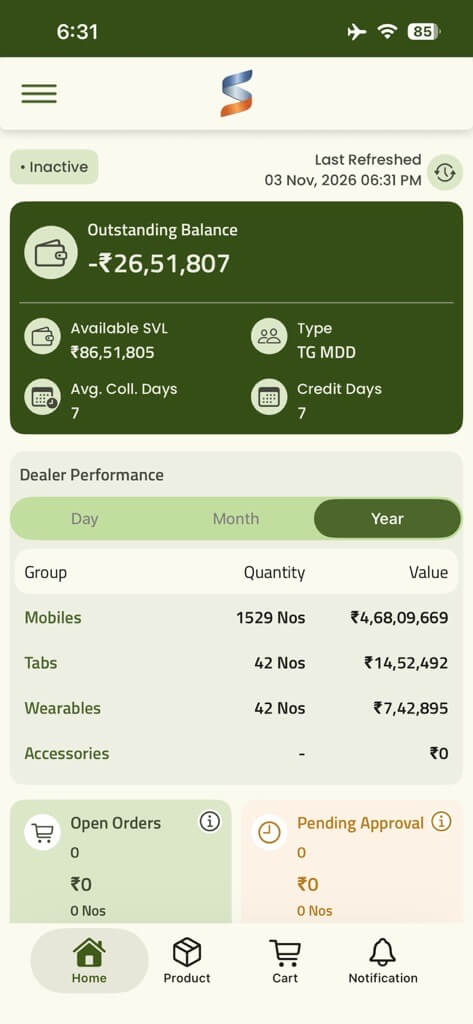
Browse, order and track, and see their account.
- Samsung products by category, with stock
- Order status, invoices and payment details
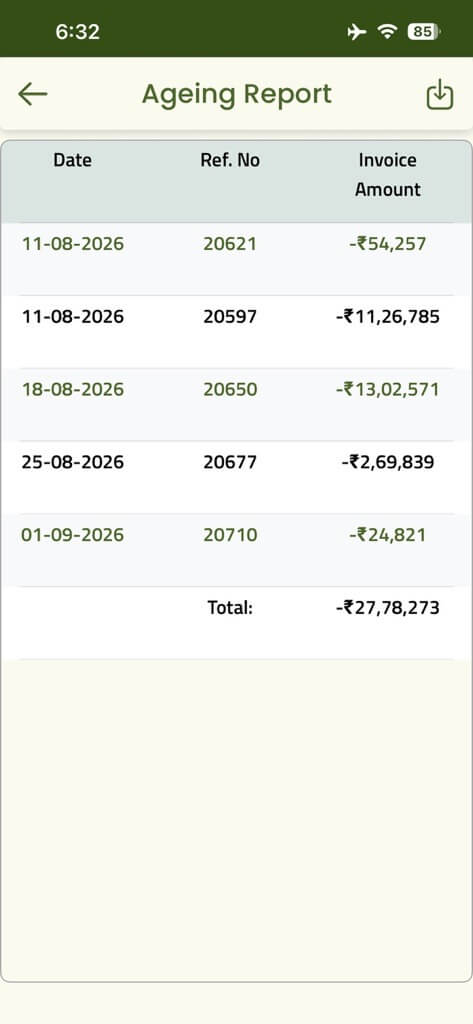
- Outstanding balance and account statements
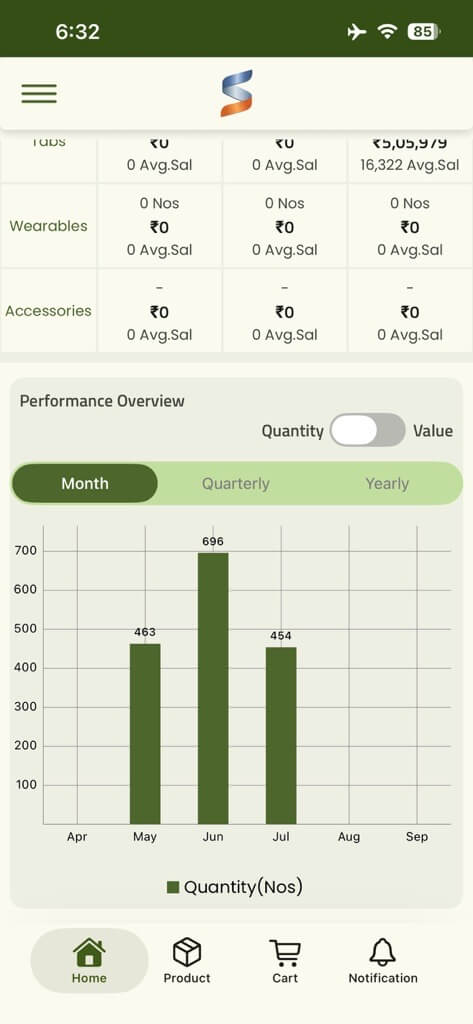
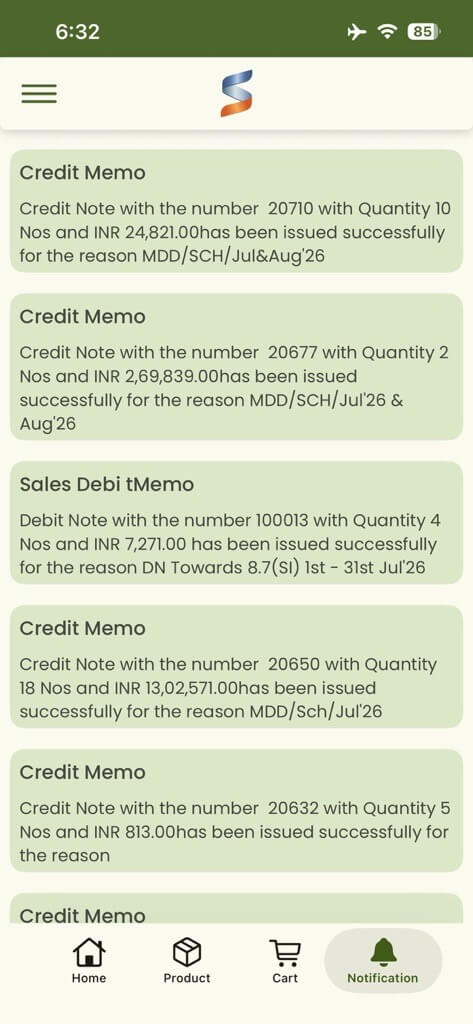
- Sales reports, notifications and offers

An order management app for Samrat Business India, an authorised Samsung Prime Distributor for mobiles, tablets, smartwatches and accessories. Dealers order and track their account; directors approve from their phone; SAP Business One stays the single source of truth.
Samsung distribution moves fast, with many models and tight stock. Orders taken by phone needed checking, approval and re-entry into SAP, and dealers had to call to ask about stock, invoices and balances.
We built Samrat Business on the platform we had already made for Samrat Irons, the group’s steel distribution company. That gave the business a proven, SAP-connected system in far less time, adapted for consumer electronics.
The dealer browses Samsung products by category and checks stock.
Quantities are checked against per-order and per-section limits.
Directors approve or reject from their own pending queue.
Approved orders are created in SAP Business One.
Status, invoice, payment and outstanding update for the dealer.
Browse, order and track, and see their account.
Approve or reject dealer orders and watch activity as it happens.
Per-order and per-section quantity limits keep orders within allocation.
Dealers download a no-dues certificate generated from SAP.
Dealers log in with a one-time password on their phone.
Admin uploads data in bulk instead of one record at a time.
Customers, collections, dispatch, daily sales, market visits and targets, as in Samrat Irons.
Orders, approvals and statements without paper or phone calls.
We build ordering and approval apps on top of your ERP. See our ERP and CRM development services.
Tell us what you want to build and we will show you how we would approach it.